 Replay Recorder
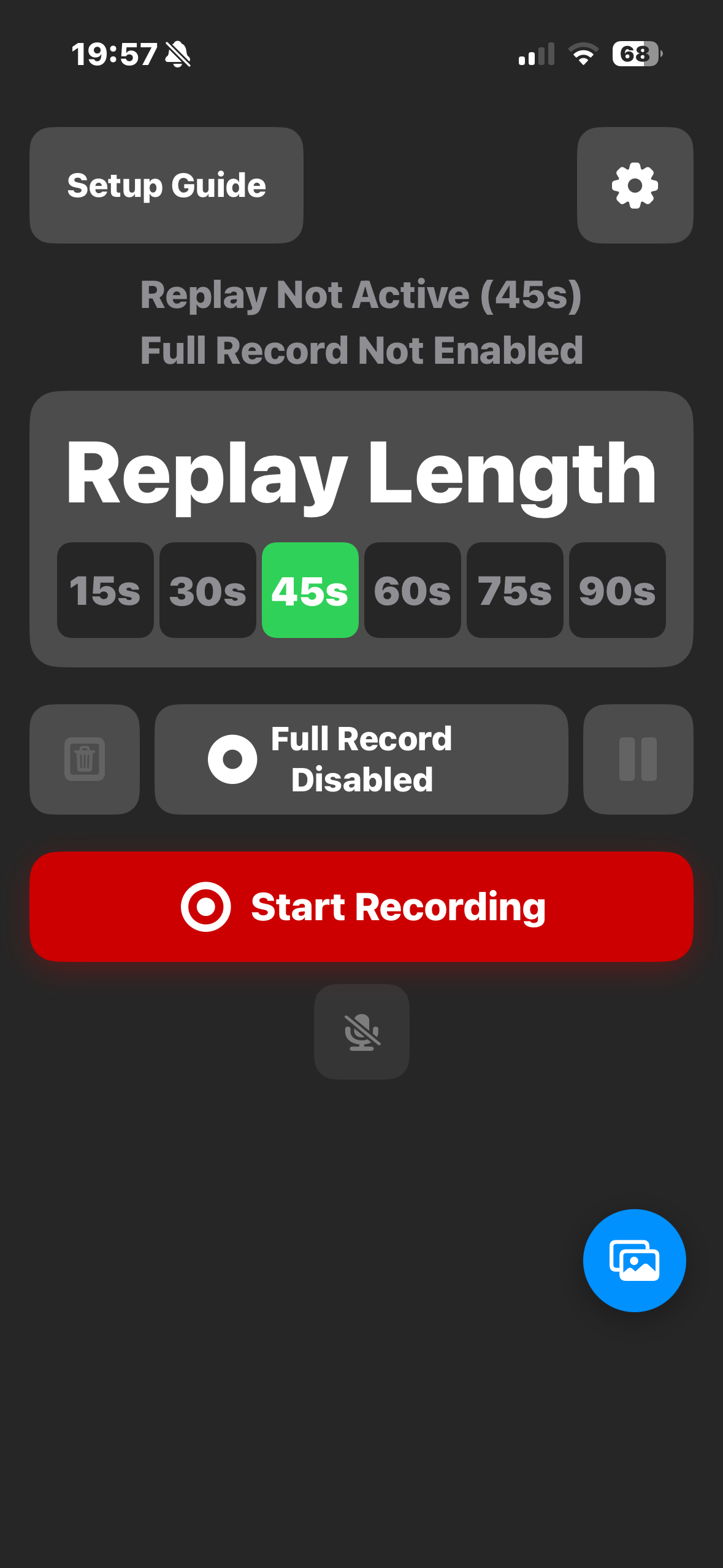
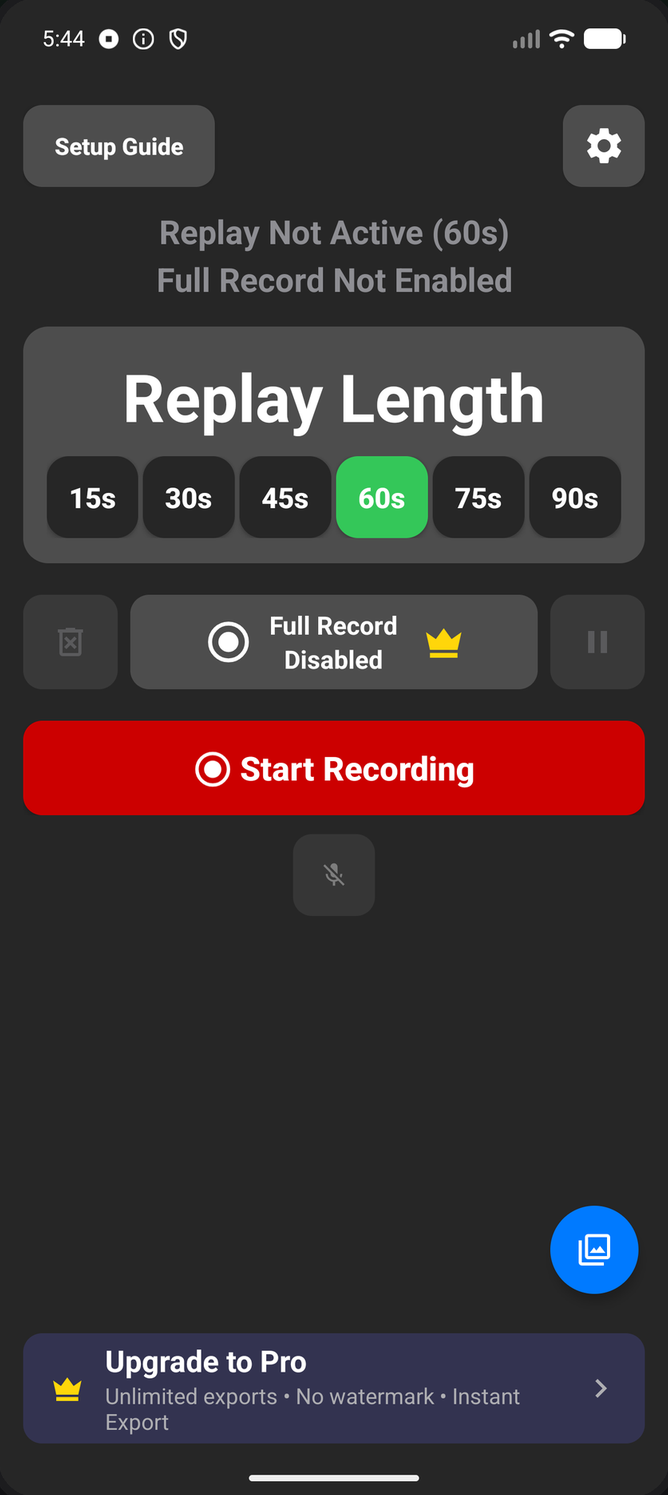
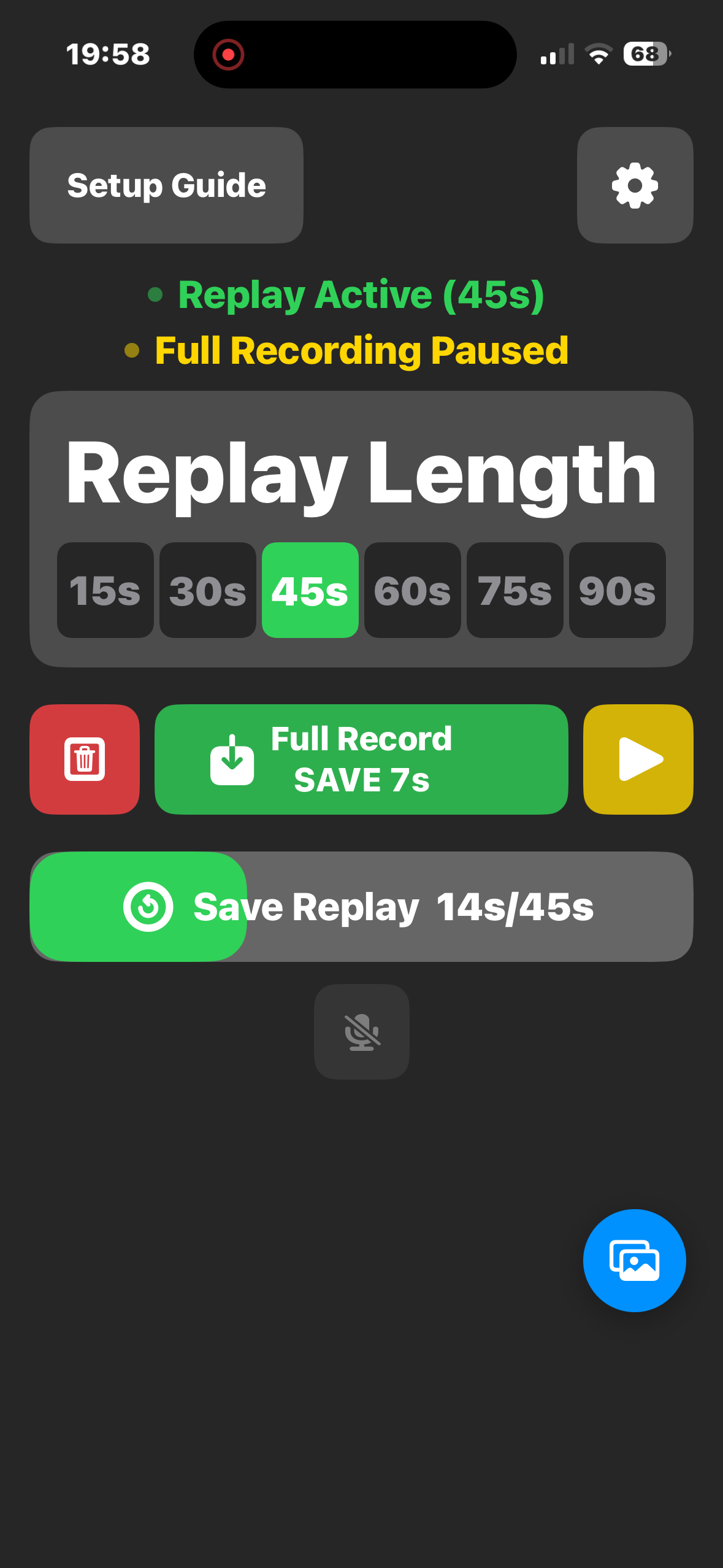
Instant Replay
Tap Start Recording to begin a session, and Instant Replay starts buffering your screen continuously in the background. The moment something worth keeping happens, tap Save Replay — no rewinding, no missed shots.
Tap to start a session and Replay Recorder keeps a rolling buffer of your screen running in the background — the last 15–90 seconds are always ready to save, so you don't have to react in time to hit record before the moment happens.
Available now on iPhone & Android · Pro unlocks full recording & more
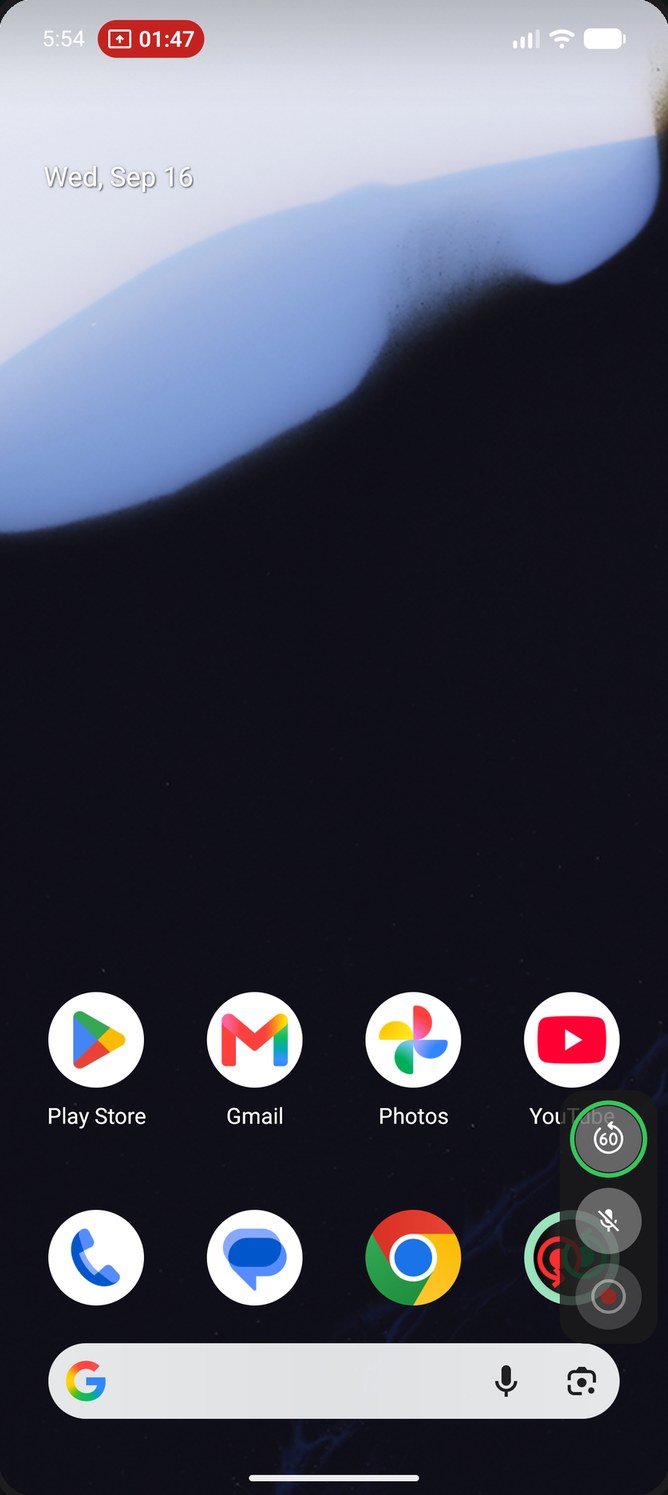
Six waysFive waysEvery way to grab the moment on iPhone and Android — most of them without ever leaving what you're doing.
Starts a session, then becomes Save while you record.
Save, mute your mic, or stop right from the shade.
Rotate your phone 90° and back.
One tap, right inside the app.
Press your Silent/Ring button.
Tap the live button at the top of your screen.
Save & full-record controls, one swipe away.
Say the word — hands stay on the game.
Everything you need to catch, fine-tune, and save what matters — right from your screen.
Tap Start Recording to begin a session, and Instant Replay starts buffering your screen continuously in the background. The moment something worth keeping happens, tap Save Replay — no rewinding, no missed shots.
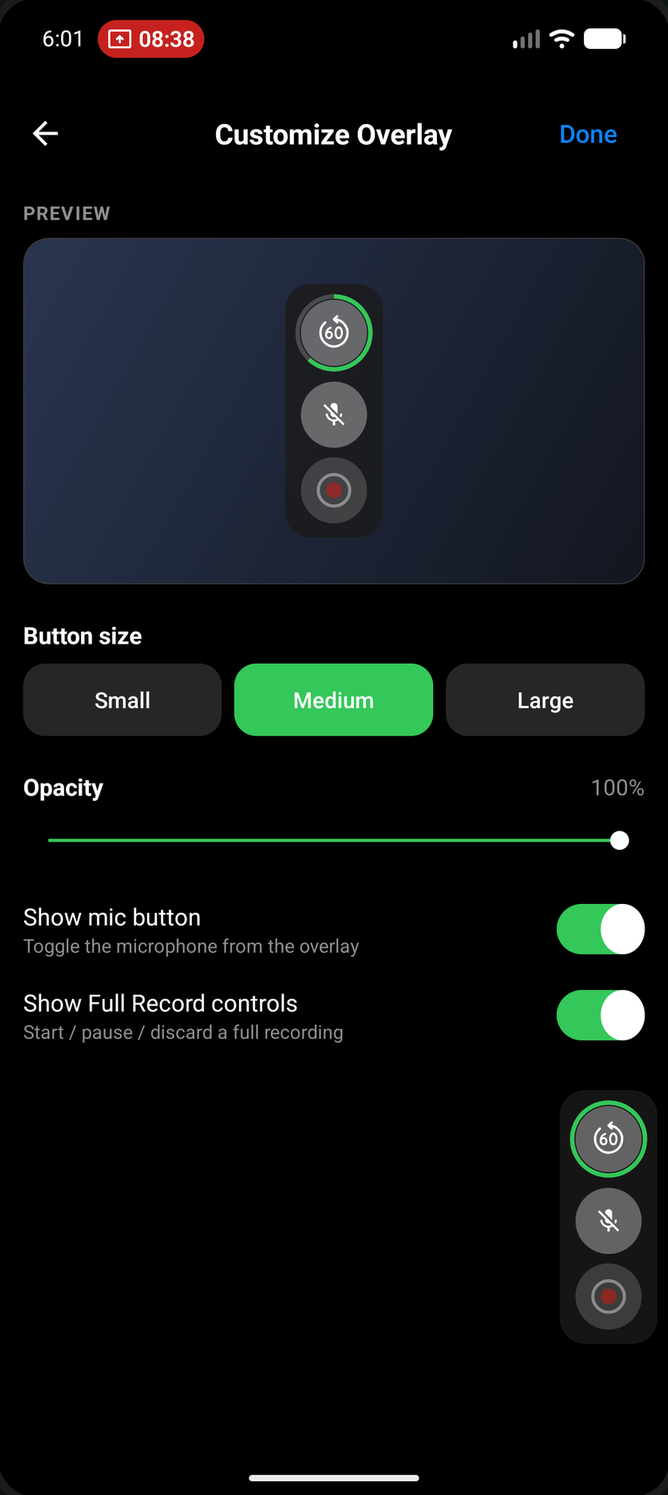
A compact save button floats over your games and apps, so you can grab a replay without leaving what you're doing. Set its size and opacity, and choose which buttons appear — with a live preview.
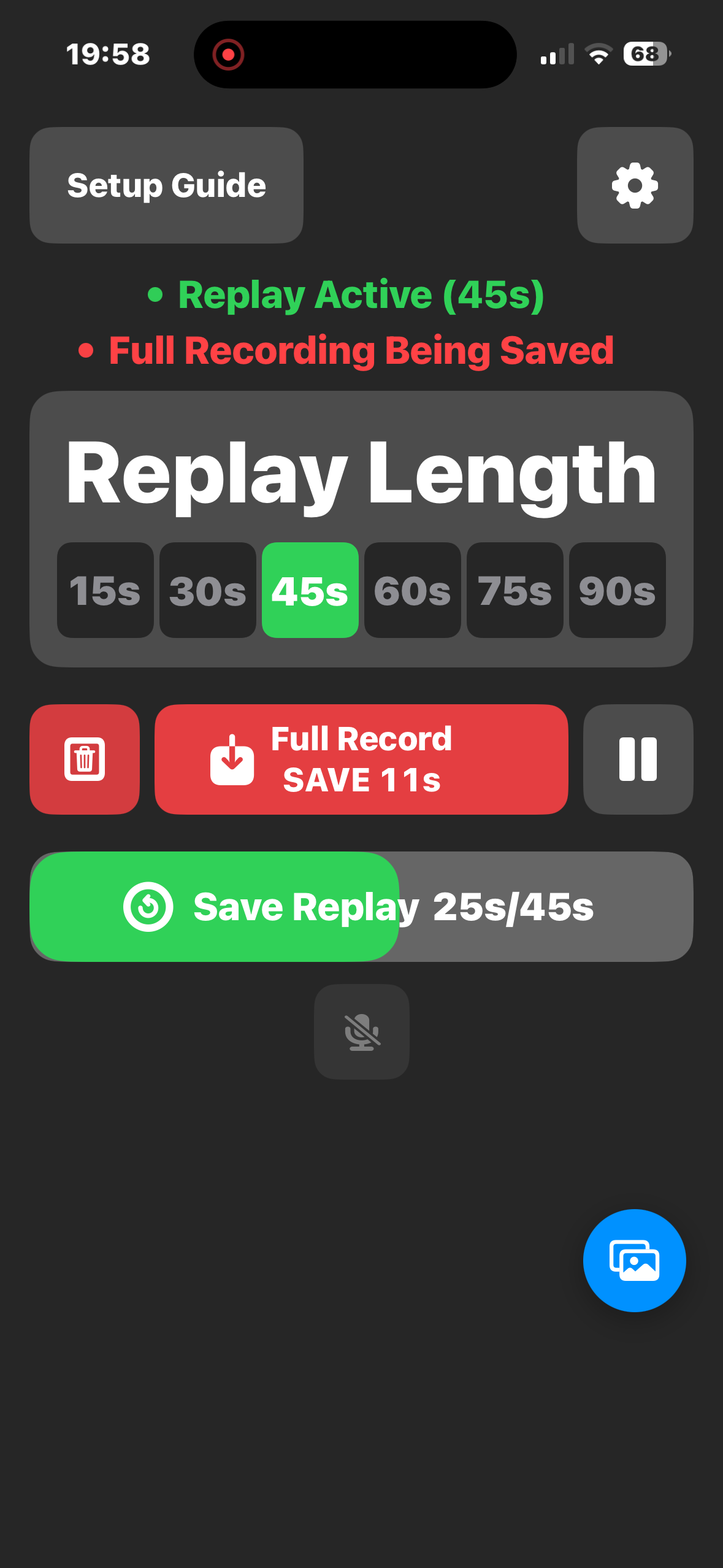
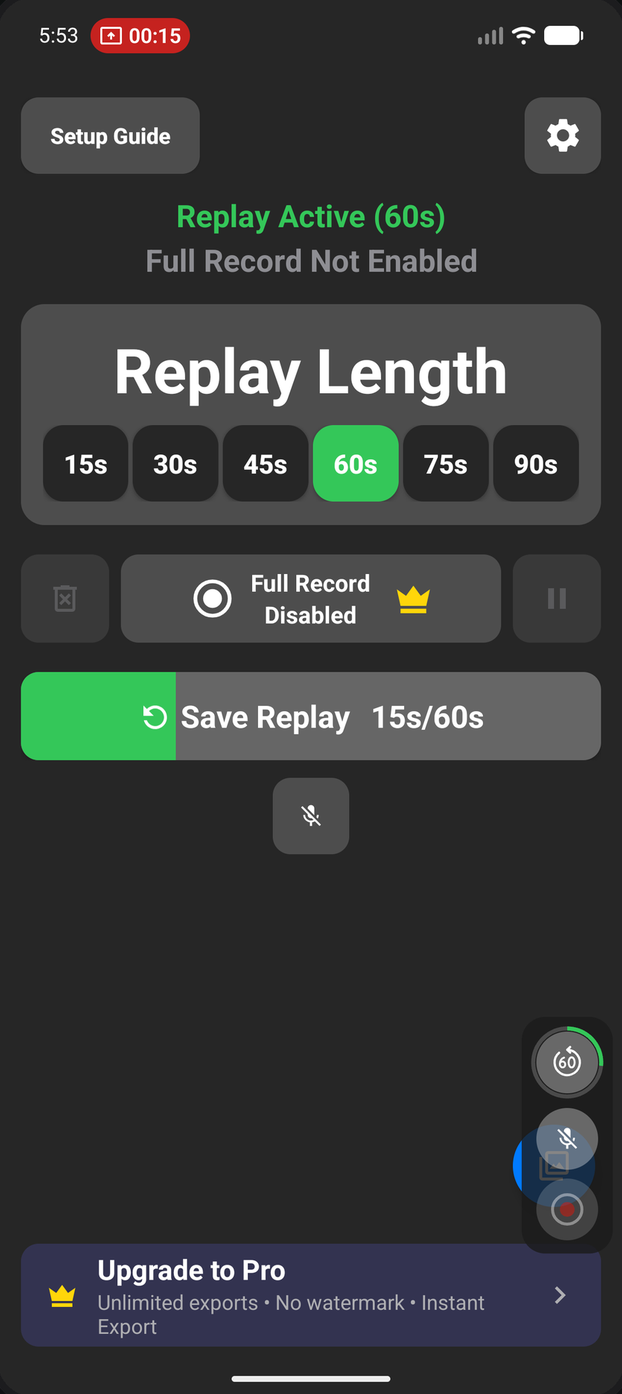
Want a traditional recording too? Enable Full Record alongside your Replay session and pause or resume it anytime without losing your progress — perfect for longer sessions.
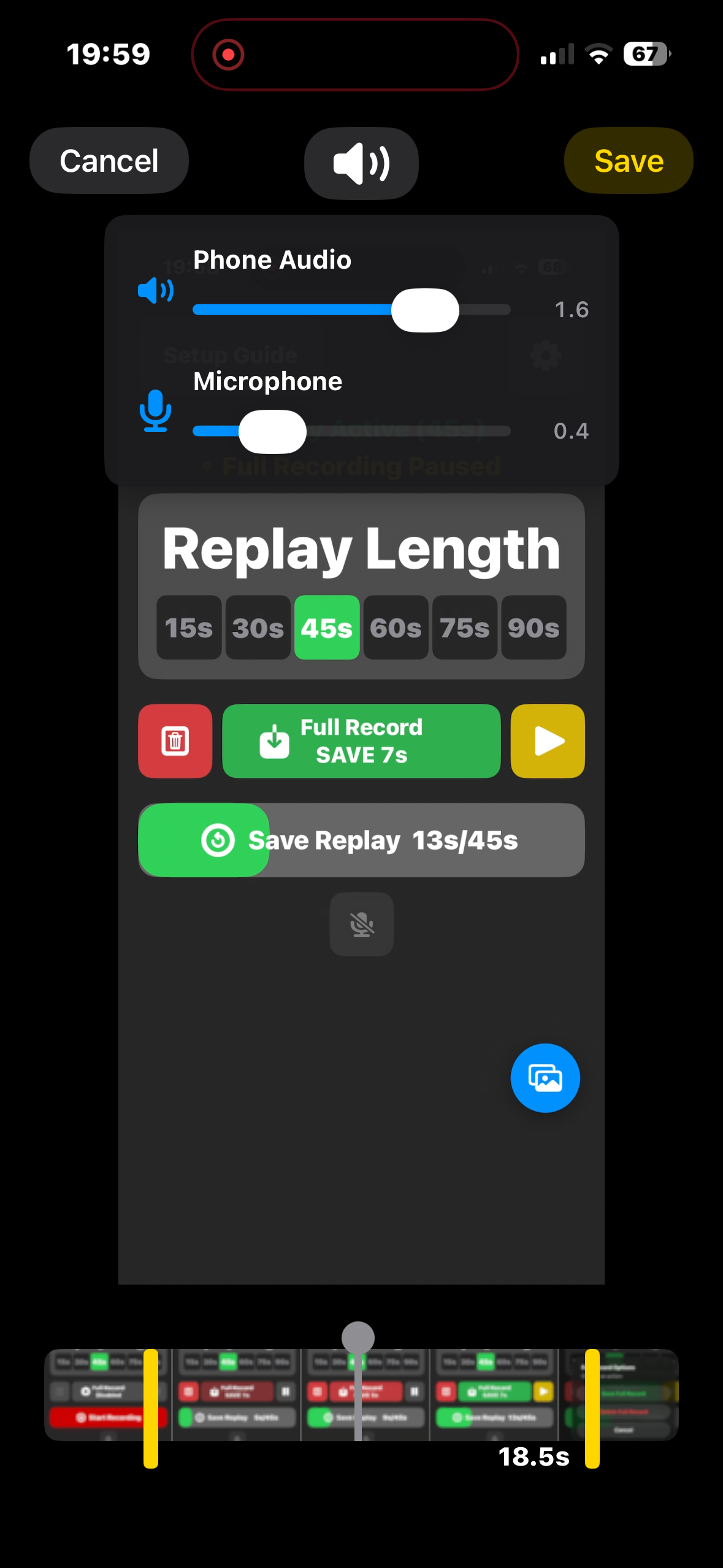
When you save a replay, independently raise or lower system audio and microphone levels so voiceovers, commentary, and game sound are always balanced right.
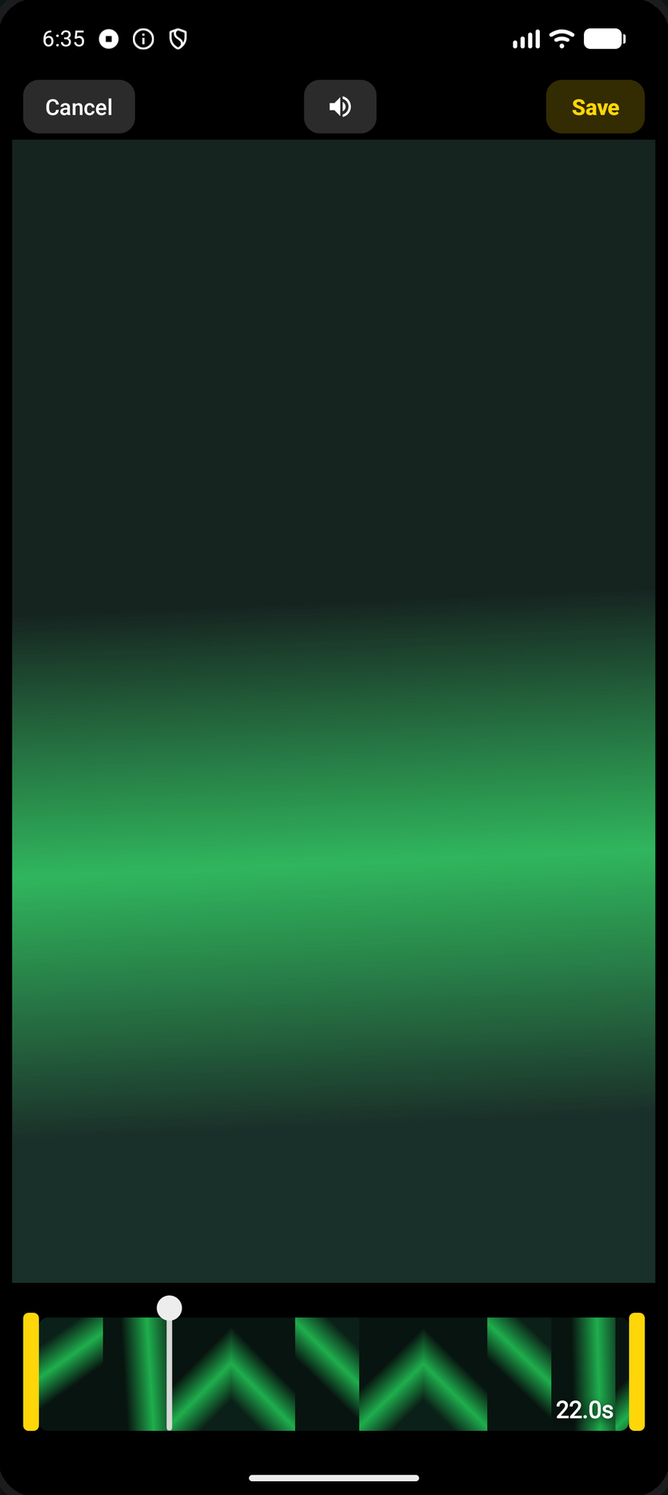
Trim to the exact moment on a scrubbable filmstrip, then rotate or rename your clip. Edits save as a new clip, so your original stays untouched.
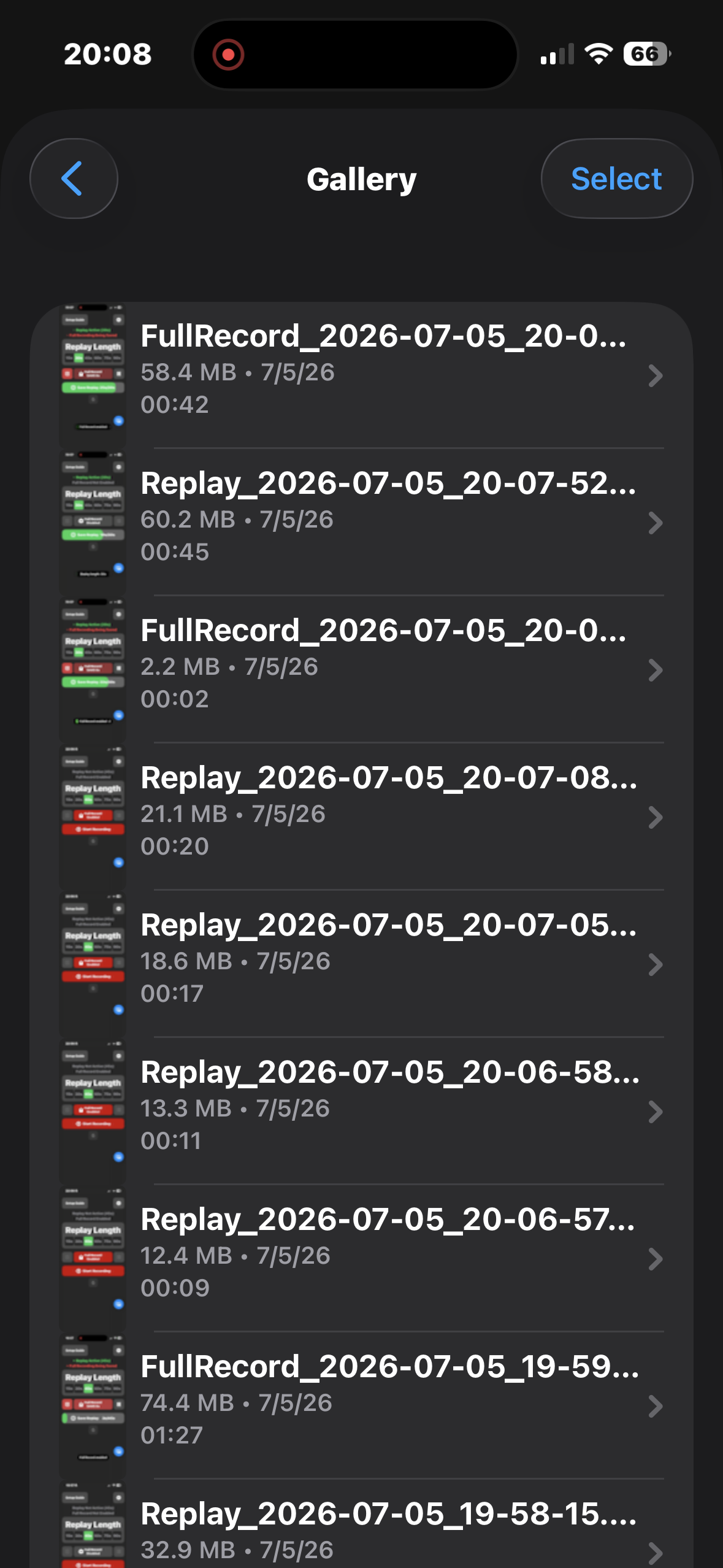
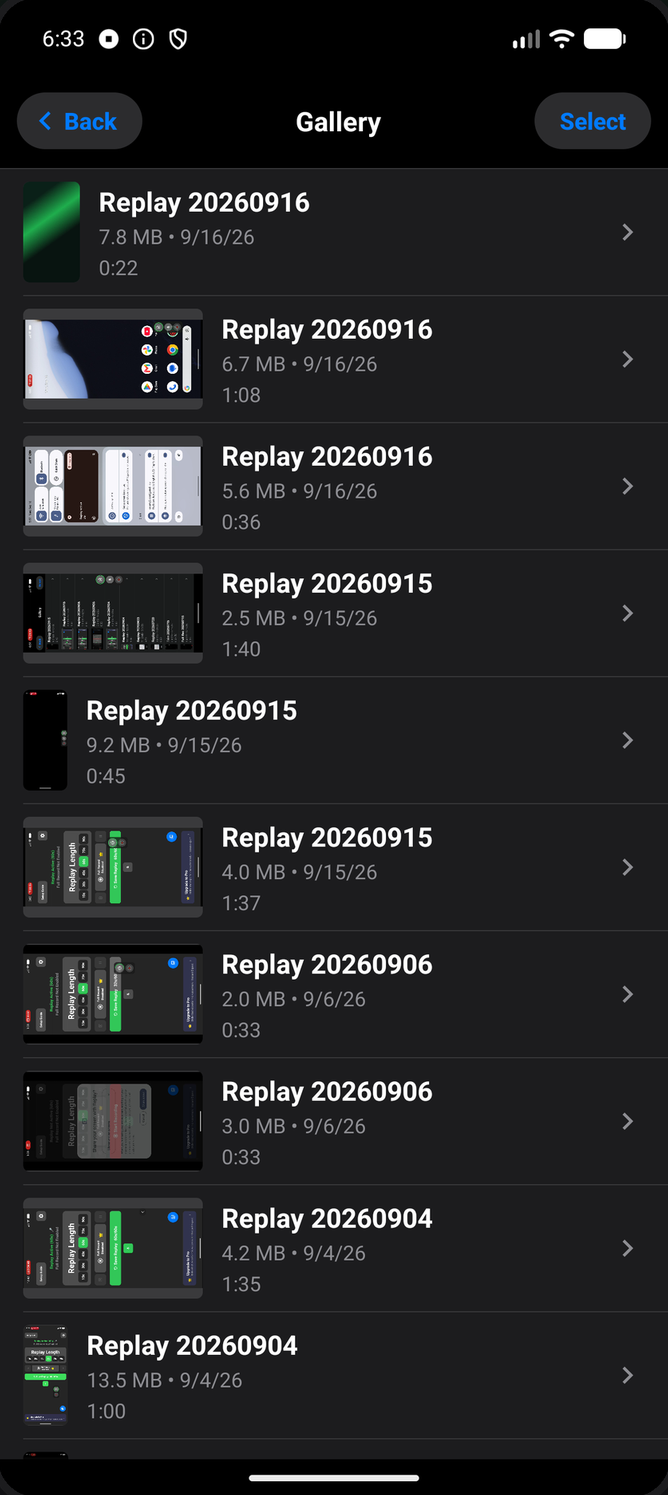
Capture at full device resolution when quality matters most, or switch to a 720p mode to save space and storage — your recordings, right-sized for how you'll use them.
Three steps between you and never missing another moment.
Tap Start Recording to begin a session — Instant Replay immediately starts buffering your screen continuously in the background.
Something worth keeping just happened? Hit any Save trigger — a tap, a rotate, a flick of the Silent switch.the floating overlay, the Quick Settings tile, a quick rotate.a tap, a rotate, the Silent switch on iPhone, the floating overlay on Android. The buffered seconds are already there.
Your clip lands straight in the in-app gallery, ready to fine-tune the audio mix and share.
Replay Recorder Pro
Pro removes the limits on how you capture and polish your recordings.
Also on Google Play for Android.
Also on the App Store for iPhone.